

All Your Content, Streamlined
Sessionboard gives you full control of every content field—from speaker bios and session titles to embedded agendas and file assets. Whether you’re prepping for an in-person conference, a virtual event, or something in between, it’s all in one place and ready to scale.
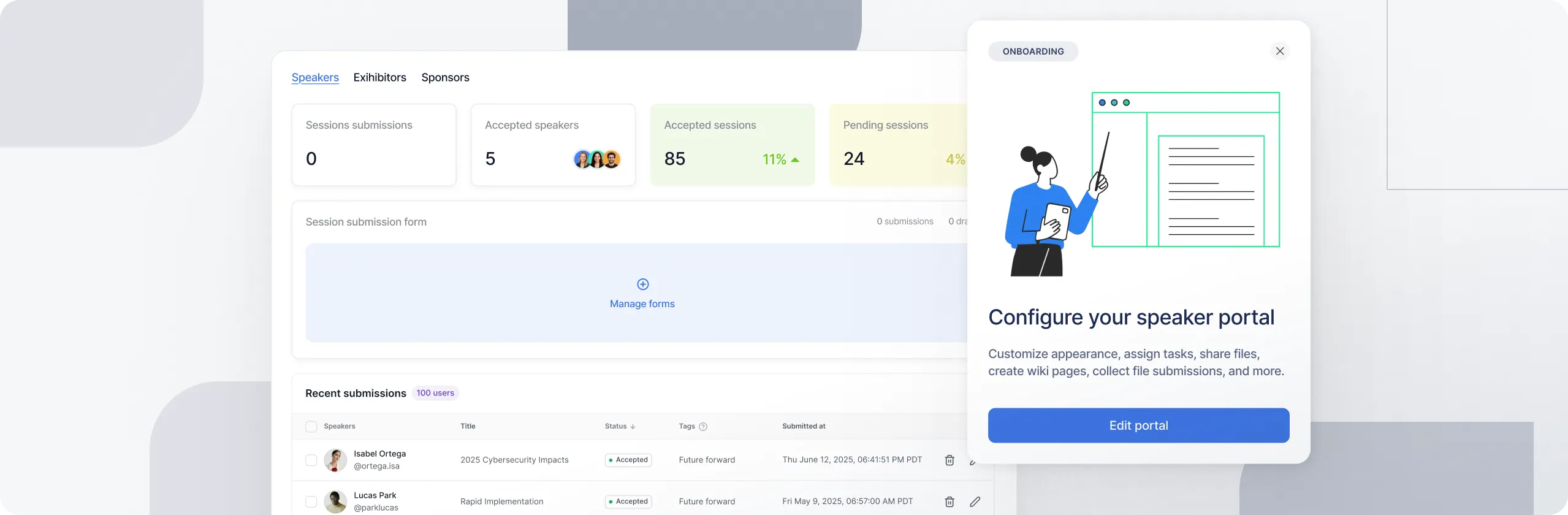

Keep Content Organized, Consistent, and On Time
Content is the foundation of your agenda and your attendee experience. But collecting, editing, and publishing it shouldn’t take hours of manual work. Sessionboard makes it easy to stay on top of speaker submissions, bios, abstracts, session details, and publishing.
Manage It All in One Place
Update content, collaborate with speakers, apply AI edits, and sync
updates automatically — no spreadsheets or extra tools.

Edit Session and Speaker
Content in One Place
View and manage speaker bios, session titles, and abstracts in a single dashboard. Make quick changes or bulk edits when you’re managing dozens or hundreds of sessions.
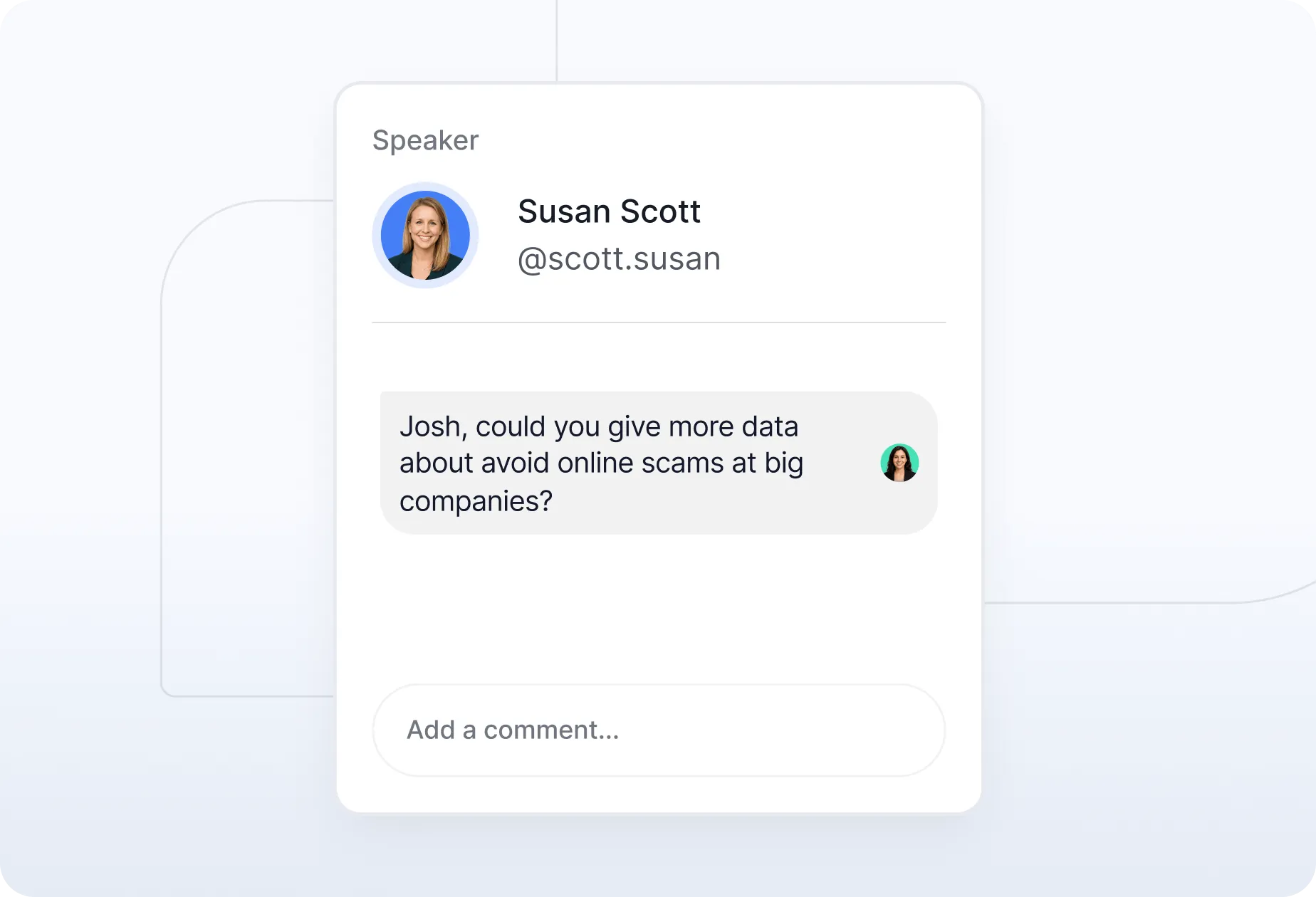
Give Speakers the Right Level of Access
Lock fields, add comments, or allow speakers to update their own details. You stay in control, while still moving faster.
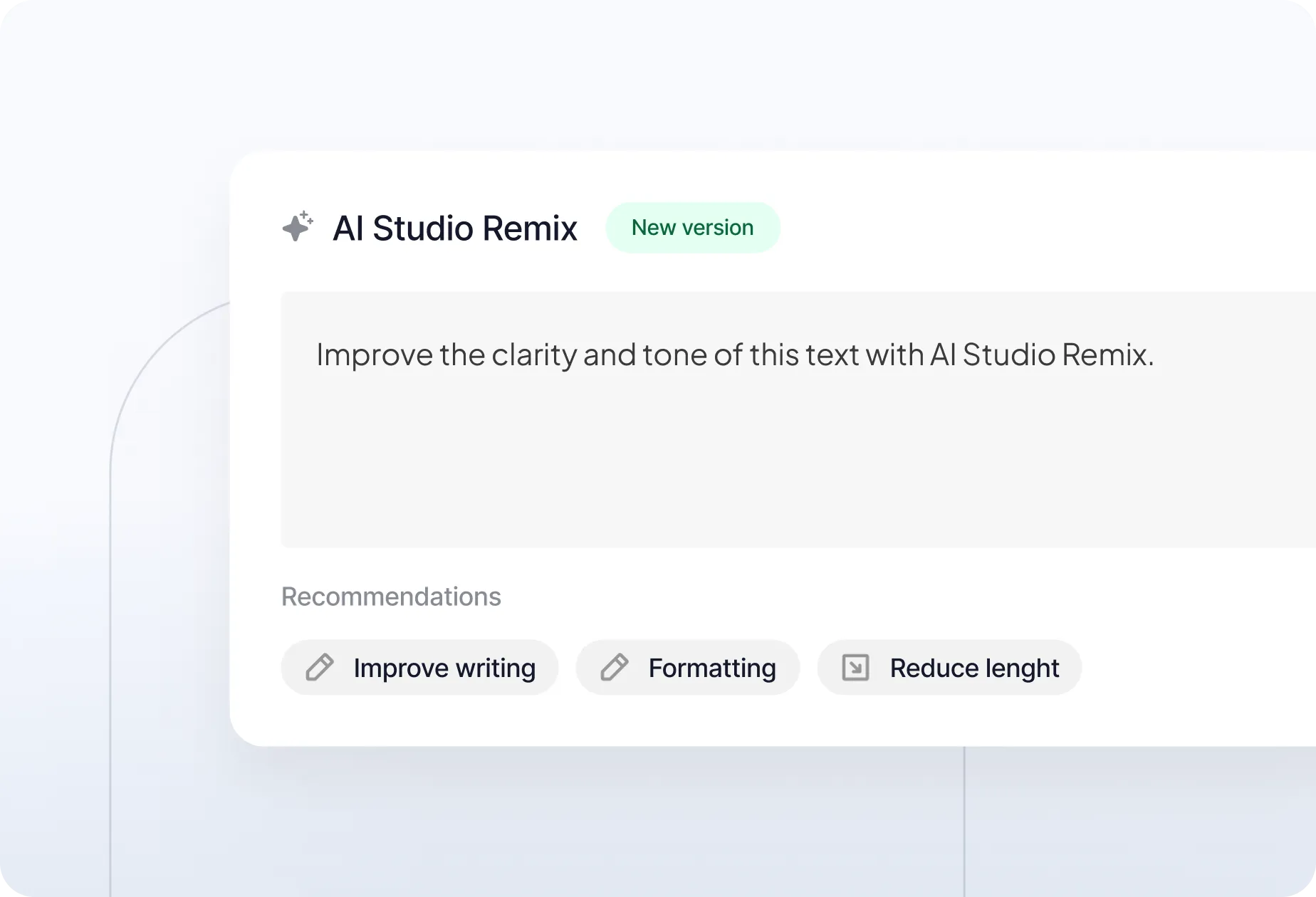
Apply Edits with AI
Use the AI-powered Studio Remix tool to improve clarity, tone, formatting, or length in a few clicks—no rewriting or copy-pasting needed.

Track Every Change
Access a full history of updates for each session and speaker profile. Stay audit-ready and in the loop.

Sync Public Content Automatically
Use embeddable agendas or integrations to publish sessions, speakers, and updates to your website. Keep content fresh without extra effort.
Designed for the Way Content Actually Gets Managed

Let AI Help You Edit and Scale
With Sessionboard Studio Remix, you can automatically suggest edits, format content, and apply your voice and tone across hundreds of sessions. That means less manual cleanup and a more polished program.



Your Privacy, Our Priority
With AICPA SOC certification and GDPR compliance, Sessionboard is built on trust, transparency, and the highest data security standards.

Stay in Control, Even When Plans Change
The AI Assistant reviews every change against your agenda’s rules, criteria, and scheduling preferences. It suggests updates based on conflict resolution, speaker availability, content flow, and more—so you can manage updates with clarity and confidence.
Frequently Asked Questions
Built to scale with you—whether you're hosting one event or a hundred. No upgrades needed to unlock the essentials.
Find detailed answers regarding the operation, scalability, and management of your awards program.
Event content management is a platform that centralizes the creation, editing, organization, and publishing of all content associated with an event program — including session titles, abstracts, speaker bios, presentation files, and supporting assets. Unlike general content management systems (CMS), event-specific content management systems understand the structure of an event program: sessions belong to tracks, speakers belong to sessions, and content flows from submission through review, approval, and public publishing. Sessionboard's content management connects all of these steps in one place, eliminating the spreadsheets and email chains that slow down most event teams.
Consistency at scale requires structure, and Sessionboard provides it through several layers. Submission forms are built to match your agenda structure, so content arrives in the right format from the start. AI-assisted editing via Studio Remix standardizes tone, formatting, and length across all sessions and bios without requiring manual review of each entry. Version history logs every change so you can track who edited what and when. When content is approved, it syncs automatically to your public agenda — so your event website always reflects the current, approved state without manual exports.
Yes. Sessionboard is built for collaborative content management. Multiple team members can work on different sessions or speakers simultaneously, with shared comments, inline feedback, and task assignments tied to each content record. Role-based permissions let you control exactly who can view, edit, or approve content — so speakers can update their own bios and materials without accessing sensitive program data, and reviewers can annotate without making live changes. All activity is timestamped and attributed, giving you a full audit trail.
Sessionboard's content management integrates directly with its abstract management workflow. When a submission is accepted through your Call for Papers (CFP) process, the session abstract, speaker bio, and associated files move automatically into the content management system — no copy-pasting required. From there, your team can edit, approve, and publish content while maintaining a direct link back to the original submission. This is especially valuable for academic conferences, professional associations, and awards programs managing large volumes of submitted content.
Yes. Sessionboard offers embeddable, auto-syncing agenda widgets that pull approved content directly from your content management system and display it on your event website. When a session title is updated, a speaker bio is revised, or a room assignment changes, the public-facing agenda updates automatically — without requiring a developer or a manual export. This eliminates the common problem of event websites showing outdated information in the days leading up to an event.
Yes. Sessionboard's content management supports in-person, virtual, and hybrid event formats equally. The platform's structure is format-agnostic — sessions, speakers, abstracts, and assets are managed the same way regardless of whether attendees are in a ballroom or joining via livestream. For hybrid events specifically, where content consistency across physical and digital channels is critical, Sessionboard's centralized content record ensures both channels receive the same, up-to-date information.
Every content change in Sessionboard — whether to a session abstract, speaker bio, or session attribute — is captured in a version history log that records what changed, who made the change, and when. You can view previous versions and restore them if needed. This audit trail is particularly valuable for organizations with compliance requirements under the General Data Protection Regulation (GDPR) and the SOC 2 Type II (System and Organization Controls) standards, and for events where multiple stakeholders — sponsors, speakers, program committees — can modify content. It gives organizers full transparency and accountability over the editorial process.
Sessionboard is designed so that the content infrastructure built for one event carries forward across your entire program portfolio. Submission form templates, approval workflows, reviewer assignments, and agenda configurations can be replicated across new events without having to rebuild from scratch. Speaker and session records are persistent — content created or collected for one event is searchable and reusable for the next. For teams running ten or more events per year, this compounds into significant time savings: the editorial work for each new event starts further along because the framework is already in place.
Spend less time tracking down edits and more time building a standout agenda.