

Speaker Management That
Actually Works
Help speakers stay on track without the follow-ups. Sessionboard gives your team a clear view of tasks, deadlines, and materials so every speaker knows exactly what to do and when

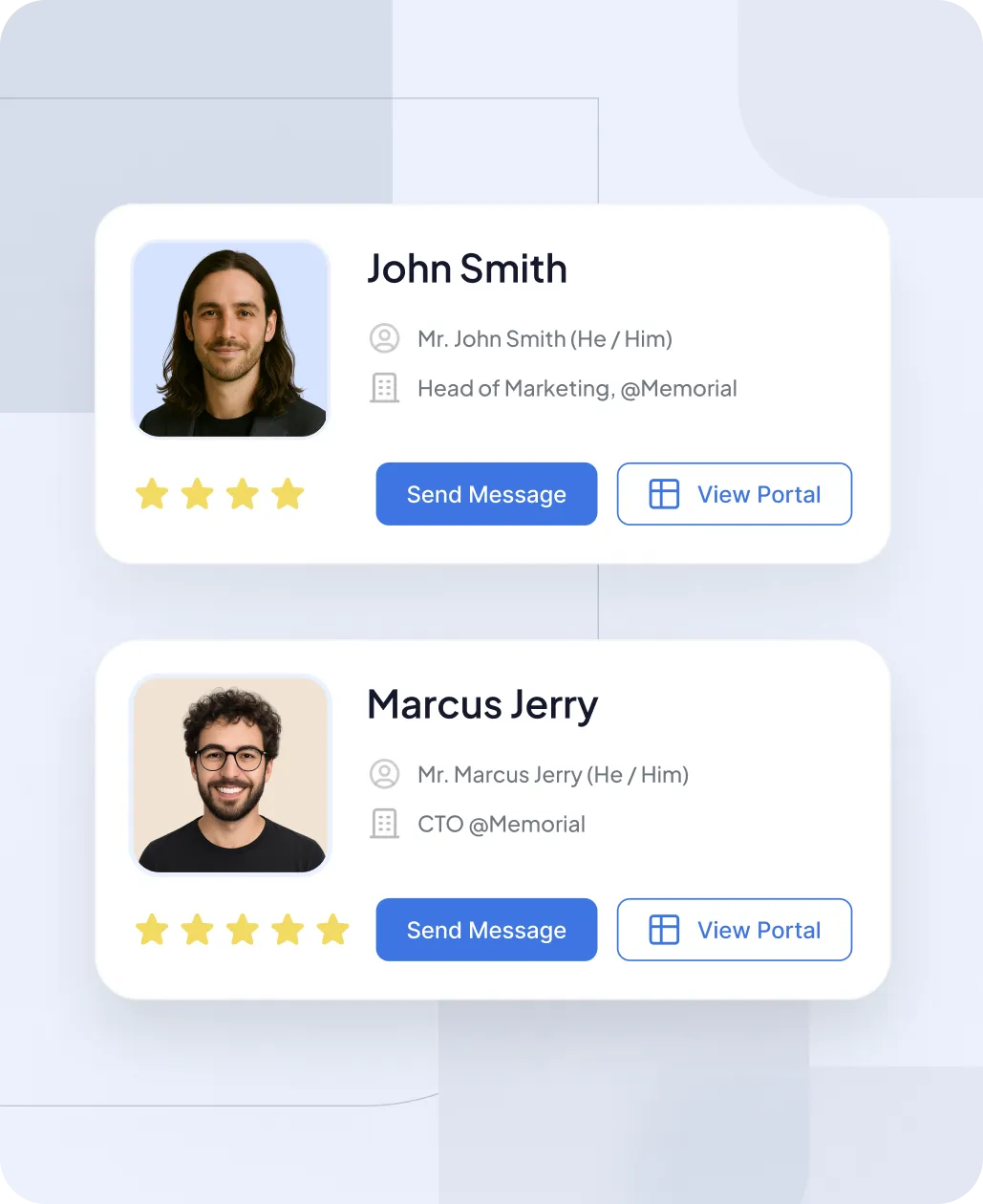
Everything You Need to Keep Speakers on Track
From personalized workspaces to built-in messaging, Sessionboard keeps your entire speaker workflow organized and effortless.
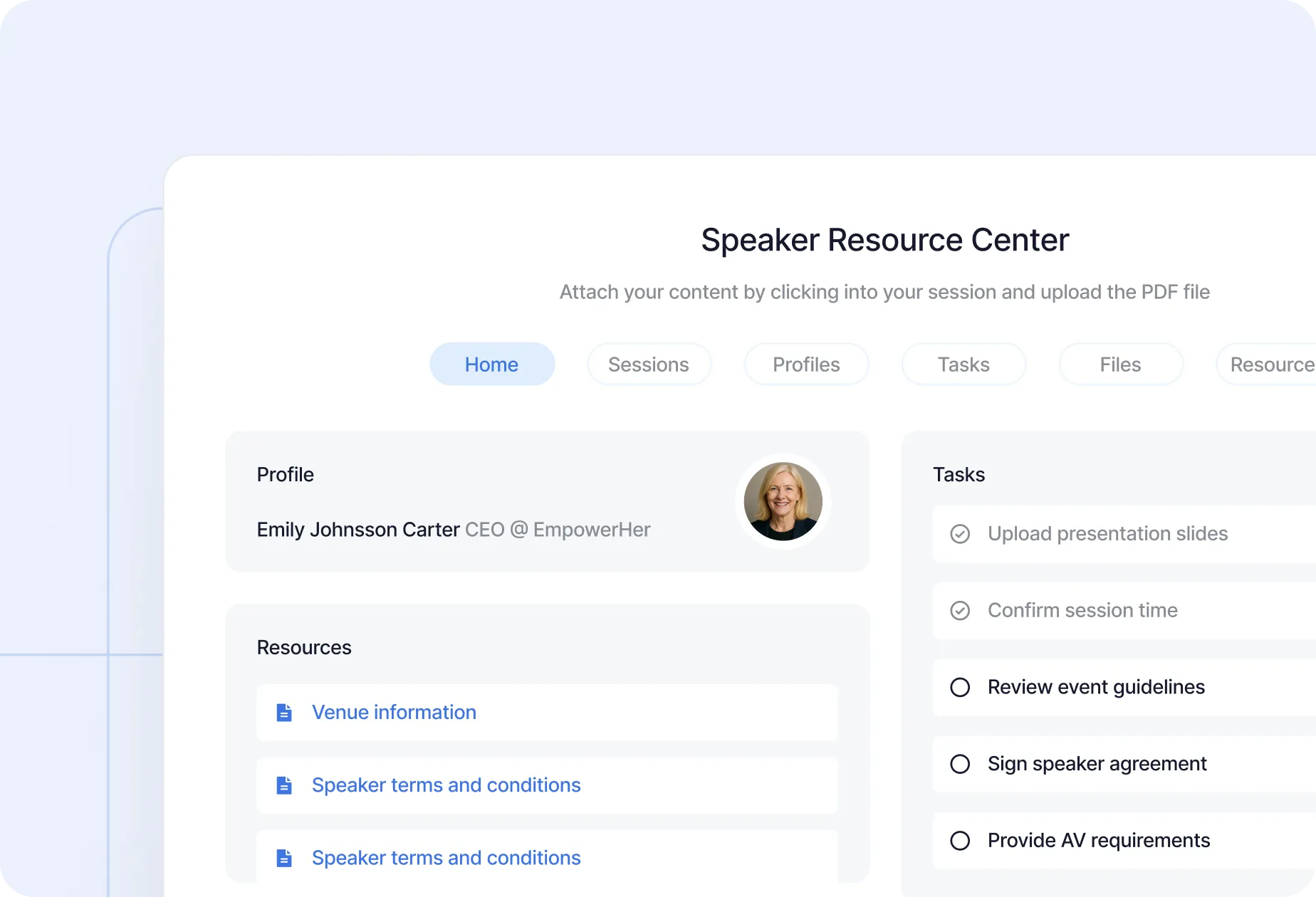
Personalized Speaker Portals
Give each speaker a tailored workspace where they can update bios, upload files, complete tasks, and see what’s next.
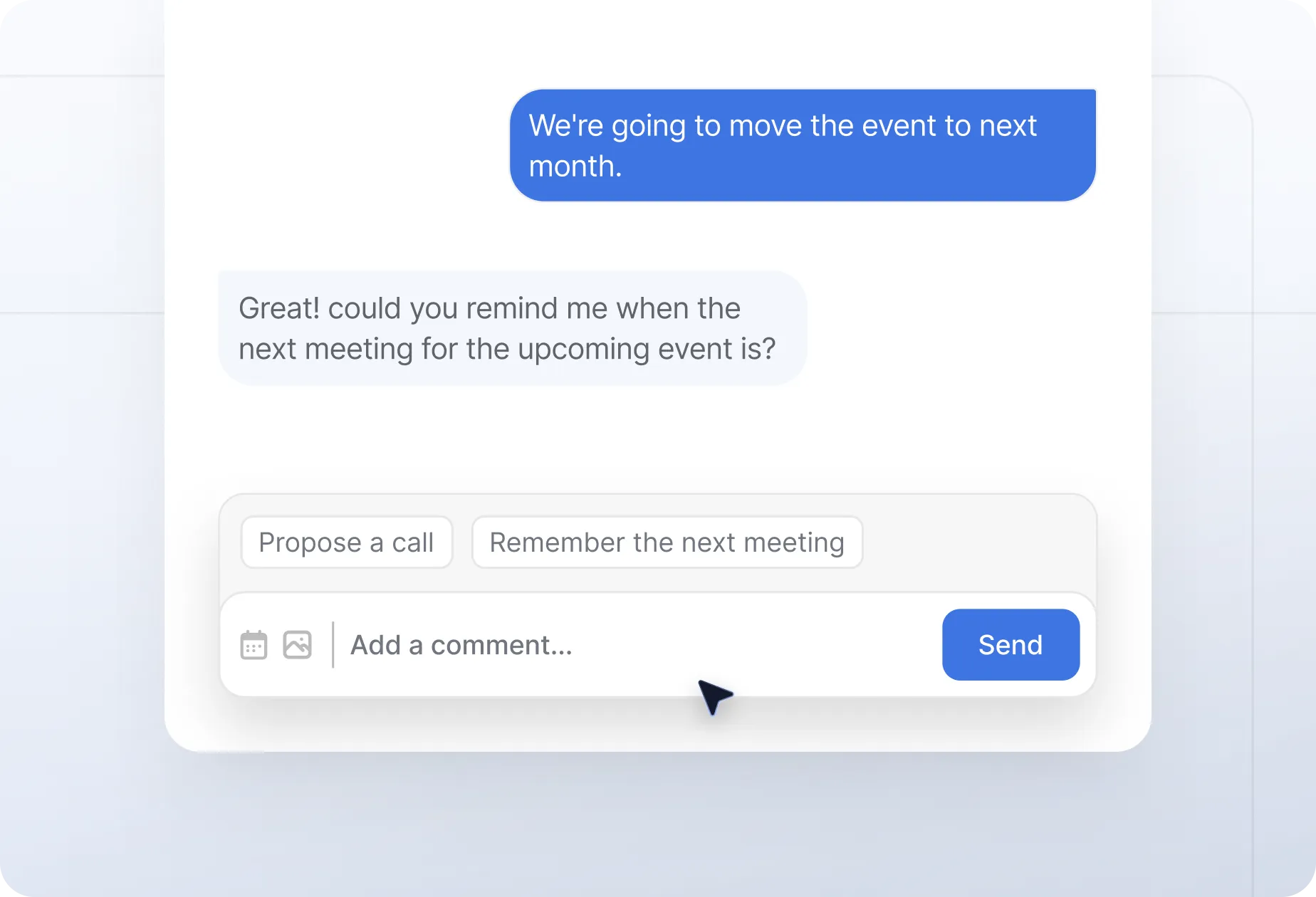
Built-in Communication
Skip the third-party tools. Send messages, reminders, and updates right from the platform with email templates that auto-fill the details.

Track Progress at a Glance
Know who’s missing what without digging through spreadsheets. From file uploads to forms, everything is visible and filterable.
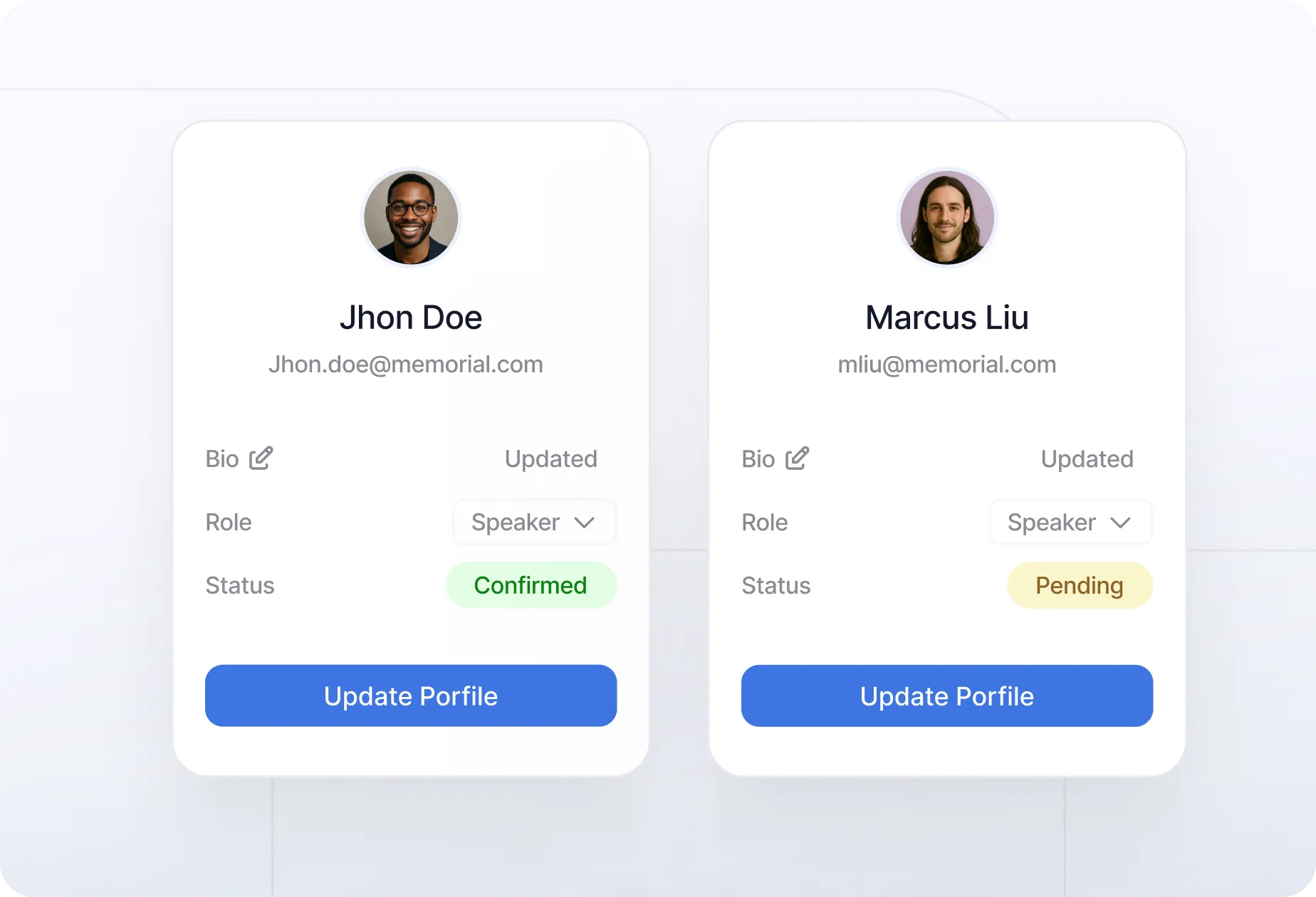
Reuse What You Already Have
Returning speaker? Their bio, headshot, and session history are already in the system. No need to start from scratch.
Your entire process, under control
Set up tasks, communicate with speakers, and track deliverable, all from one dashboard.
Set up tasks and deadlines for speaker submissions
Assign them automatically based on session data
Communicate directly with speakers using pre-built email templates
Track deliverables in one dashboard
Publish your agenda with confidence and no last-minute surprises
Why Teams Choose Sessionboard
Built for collaboration, scalability, and seamless integration — so your speakers and staff stay perfectly aligned.


A Smarter Way to Manage Speaker Relationships
Your speaker list shouldn’t reset every event. Sessionboard’s Speaker CRM keeps track of your speakers’ content, history, and contributions across years and formats. Search by expertise, track engagement, and reuse top speakers for webinars, podcasts, and new programs — all from one centralized database.

Simplify How Your Team Manages Content
Centralize requests, tracking, and optimization — no more spreadsheets or endless email threads.


Your Privacy, Our Priority
With AICPA SOC certification and GDPR compliance, Sessionboard is built on trust, transparency, and the highest data security standards.

Frequently Asked Questions
Built to scale with you—whether you're hosting one event or a hundred. No upgrades needed to unlock the essentials.
Find detailed answers regarding the operation, scalability, and management of your awards program.
Speaker management is a purpose-built platform that coordinates everything involved in preparing speakers for an event — from initial confirmation through content collection, deadline tracking, portal access, and day-of logistics. The core problem it solves is fragmentation: most event teams manage speakers across email threads, spreadsheets, shared drives, and manual follow-ups, which creates missed deadlines, lost files, and inconsistent speaker experiences. Sessionboard centralizes all speaker-related tasks, communication, and deliverables in one system, giving your team full visibility and ensuring speakers know exactly what is expected of them.
Sessionboard gives each speaker a personalized portal — a dedicated workspace where they can view their task list, upload presentation files, update their bio, complete required forms, and check deadlines. From the organizer's side, a central dashboard shows the completion status of every speaker's deliverables in real time, so your team can see at a glance who is on track and who needs a nudge. Bulk reminders can be sent to all speakers with outstanding tasks, and individual communication threads are tied to each speaker record — eliminating the need to search through email history to find past conversations.
Yes. Sessionboard's speaker portals are designed to give speakers the right level of autonomy while keeping organizers in control. Speakers can log in to their personal portal and update their bio, headshot, social links, and session-related content within the boundaries you set. Role-based permissions ensure speakers can only edit their own records and can only change fields you have explicitly opened for editing. This self-service model significantly reduces back-and-forth between organizers and speakers, while maintaining quality control over what ultimately appears in the event program.
Sessionboard replaces manual follow-up with structured automation. When a deadline approaches, the platform automatically sends reminder emails to speakers who have not completed required tasks — without your team having to track who still owes what. Communication templates are built in, so outreach is consistent and professional without requiring individual composition. Because speakers have a portal where all their tasks are listed in one place, they are significantly less likely to miss requirements or email asking what is still needed. Organizations implementing Sessionboard's speaker management workflow consistently report eliminating the majority of one-off follow-up emails within their first event cycle.
Sessionboard is a fully integrated platform, so speaker management does not operate in isolation. Speakers confirmed through your Call for Papers (CFP) process are automatically added to speaker management with their submission data pre-populated. Their session appears in the agenda builder. Their bio and headshot flow into the content management system. Their materials are uploaded through the portal and become available to your content and production teams immediately. This end-to-end connection means information entered at the submission stage stays accurate and accessible throughout the entire event lifecycle — no re-keying, no version mismatches.
Yes. Sessionboard is built to scale — customers use it to manage anywhere from 20 to several hundred speakers across single and multi-event programs. The platform's bulk actions, automated reminders, progress dashboards, and filterable speaker lists are all designed for high-volume management. For organizations that run multiple events per year, Sessionboard's persistent Speaker CRM means speaker data built during one event carries forward to the next, making subsequent events progressively faster to staff and coordinate. Teams managing four events per year with Sessionboard report completing speaker coordination up to four times faster than with manual processes.
Yes. Sessionboard's speaker management workflow applies equally to in-person, virtual, and hybrid formats. Speaker portals are accessed online regardless of event format, and the platform's task management, file collection, and communication tools work the same way whether speakers are presenting on stage or via video stream. For hybrid events where some speakers are remote and others on-site, Sessionboard's centralized coordination ensures both groups receive consistent communication and have a clear view of their responsibilities — without requiring your team to manage two separate workflows.
Yes. In Sessionboard, each event can be configured with its own independently branded speaker portal — with your event's name, visual identity, and custom domain. Speakers who access the portal for a single event see an experience tailored to that program, not a generic platform interface. For Professional Conference Organizers (PCOs) and multi-event organizations, this means every client and every program can present a polished, on-brand experience to speakers without requiring separate platform accounts or manual customization for each new event.
Sessionboard is designed to get faster with every cycle. When you run the same event — an annual conference, a recurring festival, a seasonal summit — speaker profiles, submission form configurations, reviewer assignments, and communication templates all carry forward from the previous edition. Rather than rebuilding your workflow each time, your team inherits the existing structure and makes targeted updates for the new cycle. Organizations using Sessionboard for recurring events report that each edition requires less setup than the last, with speaker coordination and content collection compressing measurably as the platform learns your program's shape.
See how Sessionboard simplifies speaker submissions, abstracts, and reviews from start to agenda.